Animated documentary video — Red documentary style
Create an animated documentary video: midnight blue background, red pictograms and very big headlines for investigations and social issues, voice and captions.
Included from Starter, with all 24 styles and yours · preview rendered by the ClipOnIt engine
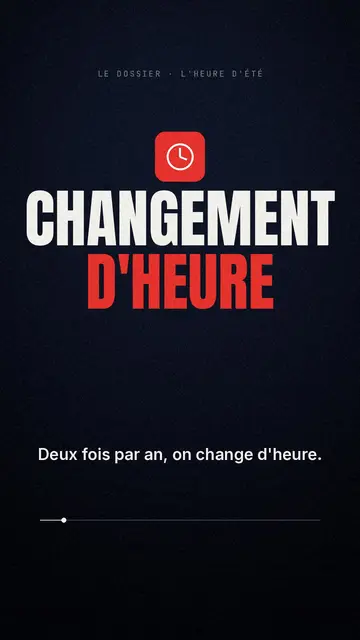
What this style looks like
Red Documentary places each scene on a midnight blue background. At the top, a discreet typewriter-style kicker announces the series or chapter. In the centre, a red pictogram (document, alert, ballot box, magnifying glass, clock) shows the theme at a glance, then a very large condensed headline in white and red spans the full width of the screen. About a third of the way through the scene, a tilted red-lined banner drops in with a question, like a journalist's follow-up.
At the bottom, captions follow the voice word by word, key words highlighted in red, and a thin progress bar shows where you are in the video. When an image is needed, an imported photo appears in a frame with red corners, or pixel art library elements illustrate the sentence. The whole thing stays serious and readable, with little movement: the text carries the story.
Topics that suit it
Avoid: light topics, humour and step-by-step tutorials: the dark background and big headlines give them a dramatic air that doesn't suit. The style also uses little scenery: for a subject set somewhere, a satellite map tells the story better.
- Corporate investigationsThe big headline and the banner question break a complex topic into memorable steps.
- Politics and institutionsThe ballot box, the document or the clock give a restrained visual cue, without caricaturing people.
- Company portraitsOne scene per key step, from founding to scandal or success, with the date in the kicker.
- Little-known historical factsA serious tone suits grave events, and an imported archive photo finds its place in the red frame.
Video ideas in this style
- Why we still change the clocks
The clock icon, a “TWICE A YEAR” headline and a question in a banner: who really benefits?
- How a law is passed
One scene per step, from the proposal to the final vote, with the ballot box and the document in red.
- The rise and fall of a brand
Dates as kickers, a big headline for each turning point, and the question that keeps things moving: what broke?
- An official figure, unpicked
The figure as a giant headline, then three scenes showing how it's calculated and what it leaves out.
Get it in 1 click
- Open this style’s link
The ‘Create a video in this style’ button opens the editor with this style already selected. No account? Signing up takes a minute and doesn’t need a card.
- Write your topic in one sentence
An idea is enough. You can also paste your text or, from Starter, tell your story into the mic: the video is then built around your voice.
- Review, then start the render
The AI writes the scenes, picks the style’s elements and times them to the words, with voice and captions. You fix anything that’s off, then the vertical MP4 is ready in a few minutes.
What you can adjust
For each scene, you can set the kicker (by default your series name), the pictogram from document, alert, ballot box, magnifying glass and clock, the big headline and the question on the tilted banner. Add your own photo to the frame with red corners, or let the AI choose elements from the library; move, replace or ask for three variants of a scene. The theme accepts colours other than red and midnight blue, and the duration and narration can be changed scene by scene. From Starter, you can record your own voice and correct things by speaking to the AI Director.
Frequently asked questions
Free or not, rendering, uses: short answers.
What is an animated documentary video?
A short video that tells a serious subject like a documentary, with a voiceover, bold titles and few visuals. Here, the AI writes the scenes, picks the icon and title for each one, then adds the voiceover and captions.
Can I use my own archive photos?
Yes. An imported image appears in the red-cornered frame of the scene. Only use images you have the rights to.
How is it different from Luminous Investigation?
Red Documentary is more sober and more political, with a plain background and white and red titles. Luminous Investigation plays on mystery: gold titles that glow, a recording frame and glitch effects.
Is this style on the free plan?
No, it's included from Starter ($ 29/month): 15 videos a month without watermark, all 24 styles and yours. The free plan gives you 3 videos a month with watermark in 8 other styles: Pixel News, Papier presse, Cartoon comédie, Croquis de cours, Conte nocturne, Écran social, Rétro synthwave and Vecteur plat.
If you like this style
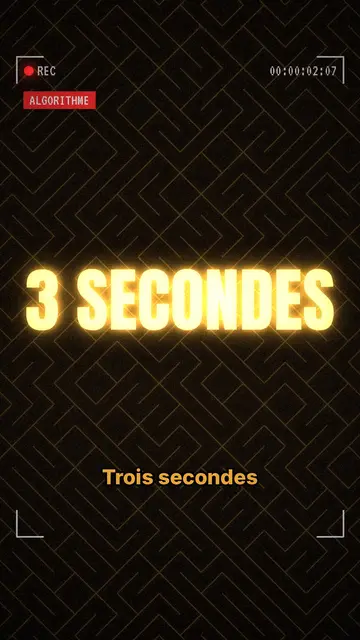
True crime animation video
Bright Investigation style · Gold titles that glow, textured dark background, REC frame.
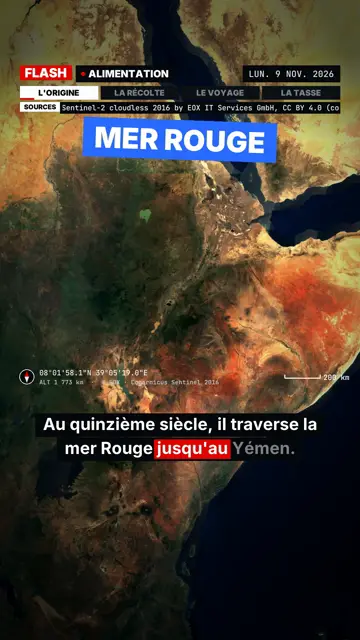
Fast-paced news video with map
Flash Dossier style · Non-stop news: stamped plates, a box on the spoken word, satellite map and black panels.
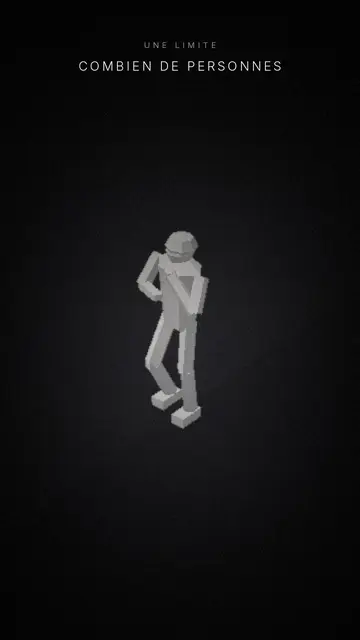
Minimalist 3D video with mannequins
Mannequins style · White faceless figures, a single light that cuts through.
Your idea, in this style
Write a sentence or dictate it: the style is already picked when you get to the editor.